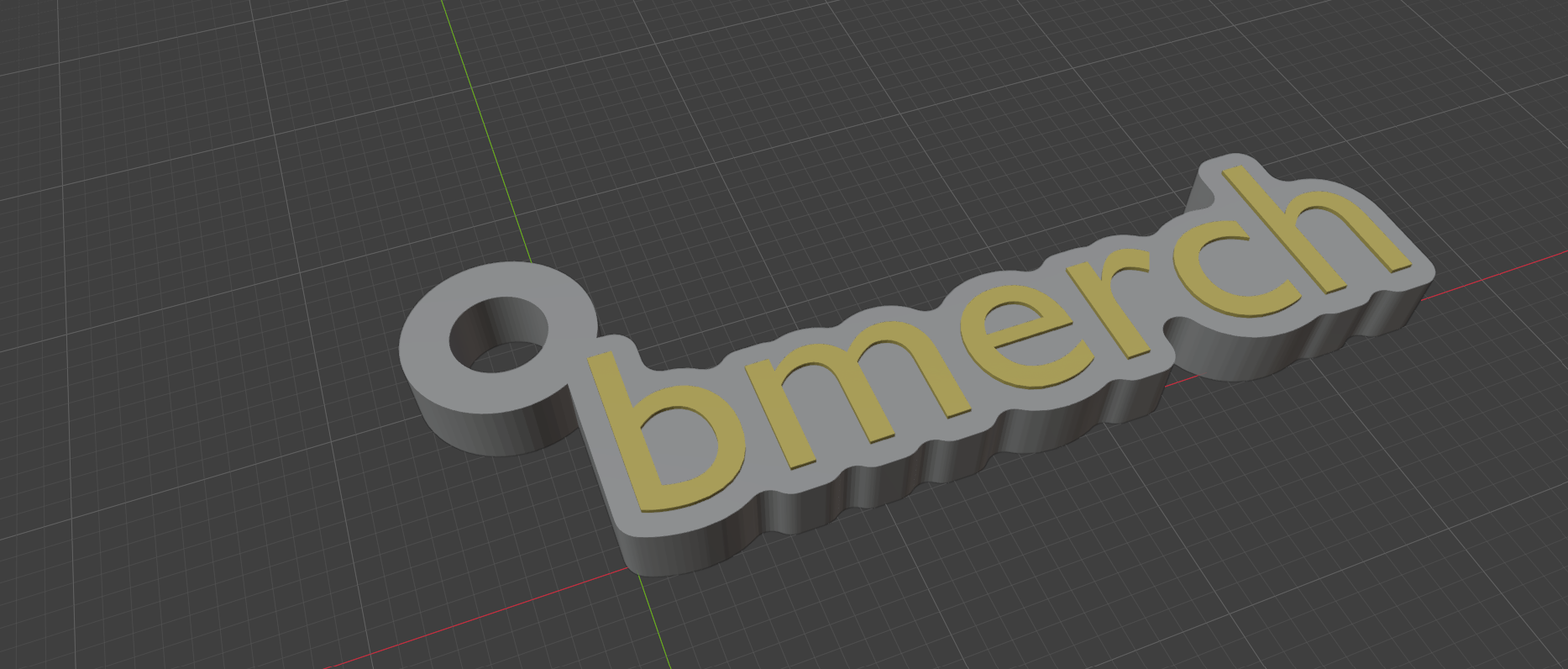
Six generators, one extension
Every generator does the same core job — bridging letters into one connected, structurally sound solid, with every counter (the inside of an "e" or "o") staying correctly open instead of getting silently filled in — then shapes that into whichever piece you pick below.
Bead
Turn a word or icon into a single, holdable bead in one click. A backing rim bridges nearby letters into one connected piece — never floating disconnected letters — with raised or flush lettering and an optional stringing hole drilled straight through for a cord or wire.
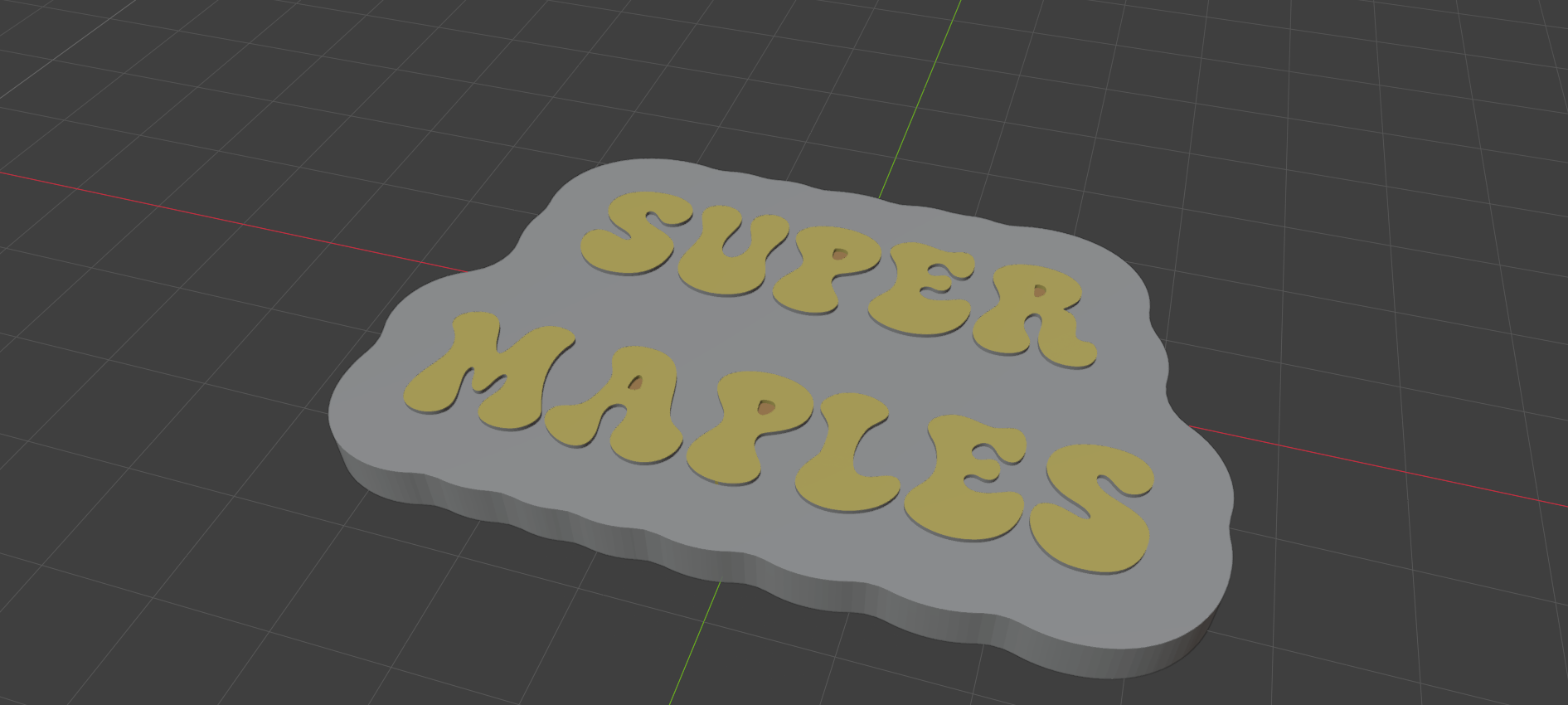
Keychain
The same bridged-letter backing as Bead, plus a welded attachment loop with its own hole for an actual keyring — anchored to whichever corner of the shape you choose.
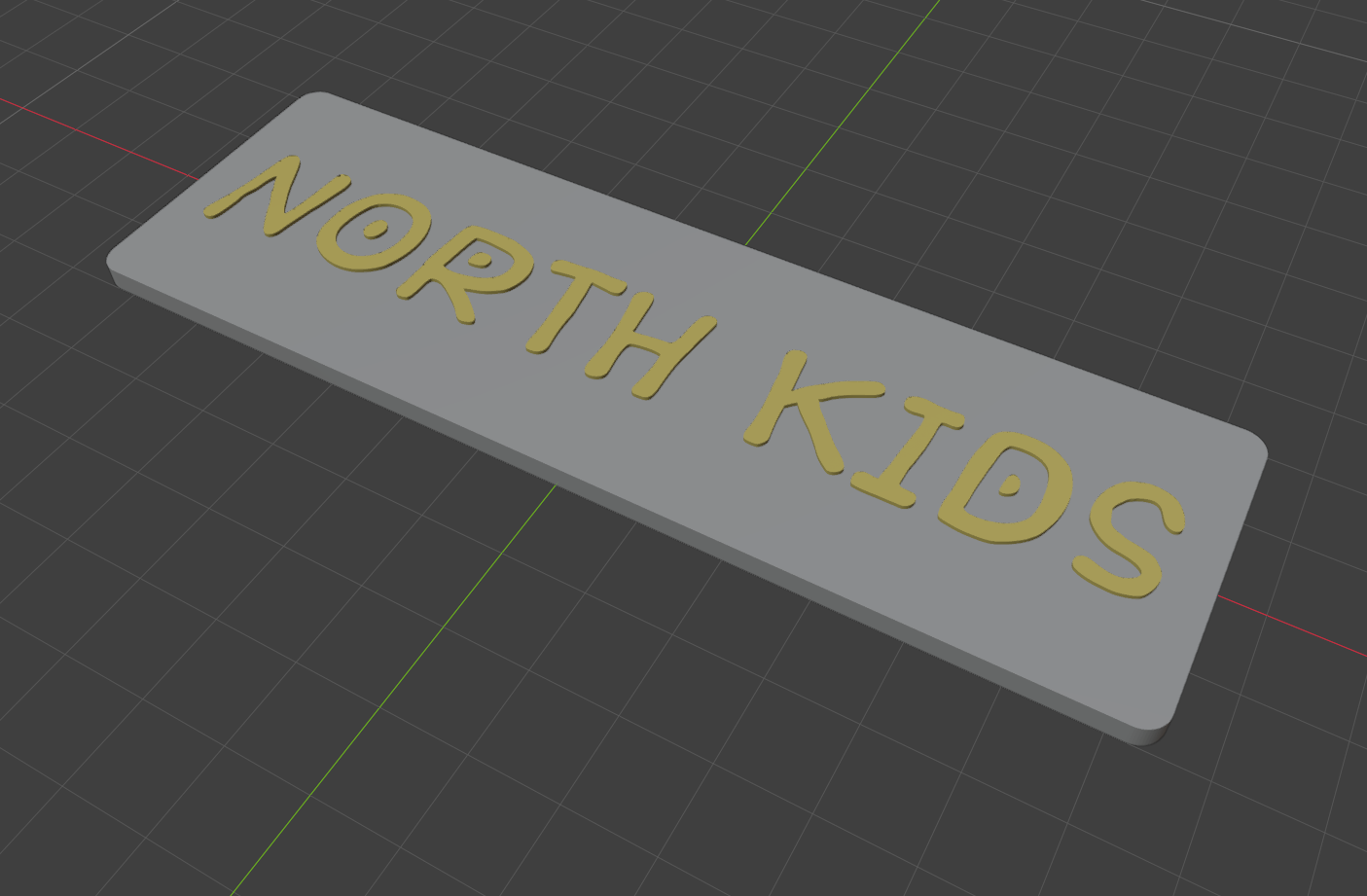
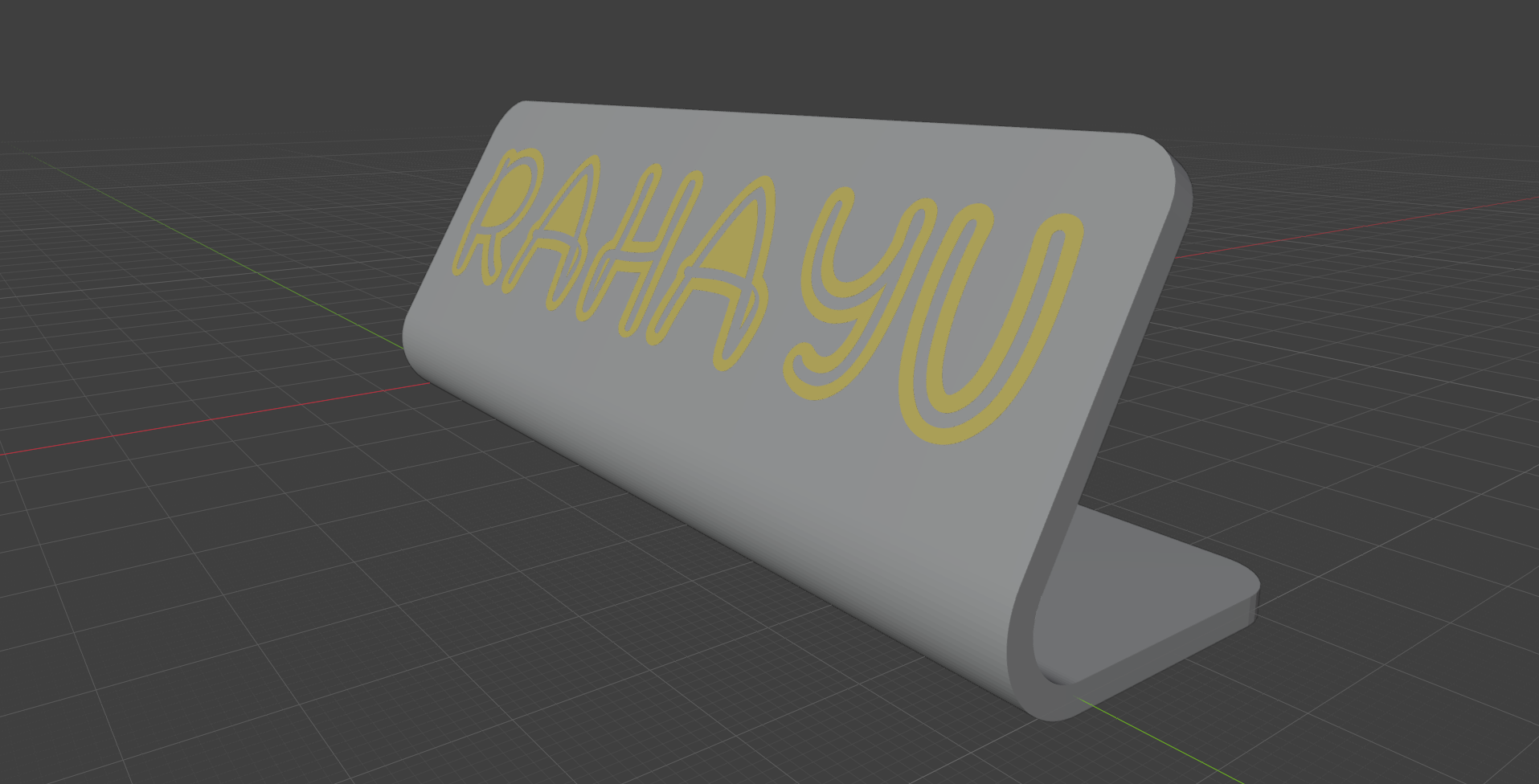
Nameplate
A fixed-size plate — independent of what the text says — with your text or graphic centered on it, raised as a relief or engraved into the surface. Flat, or bent into a desk-standing shape with its own foot and angled face panel.
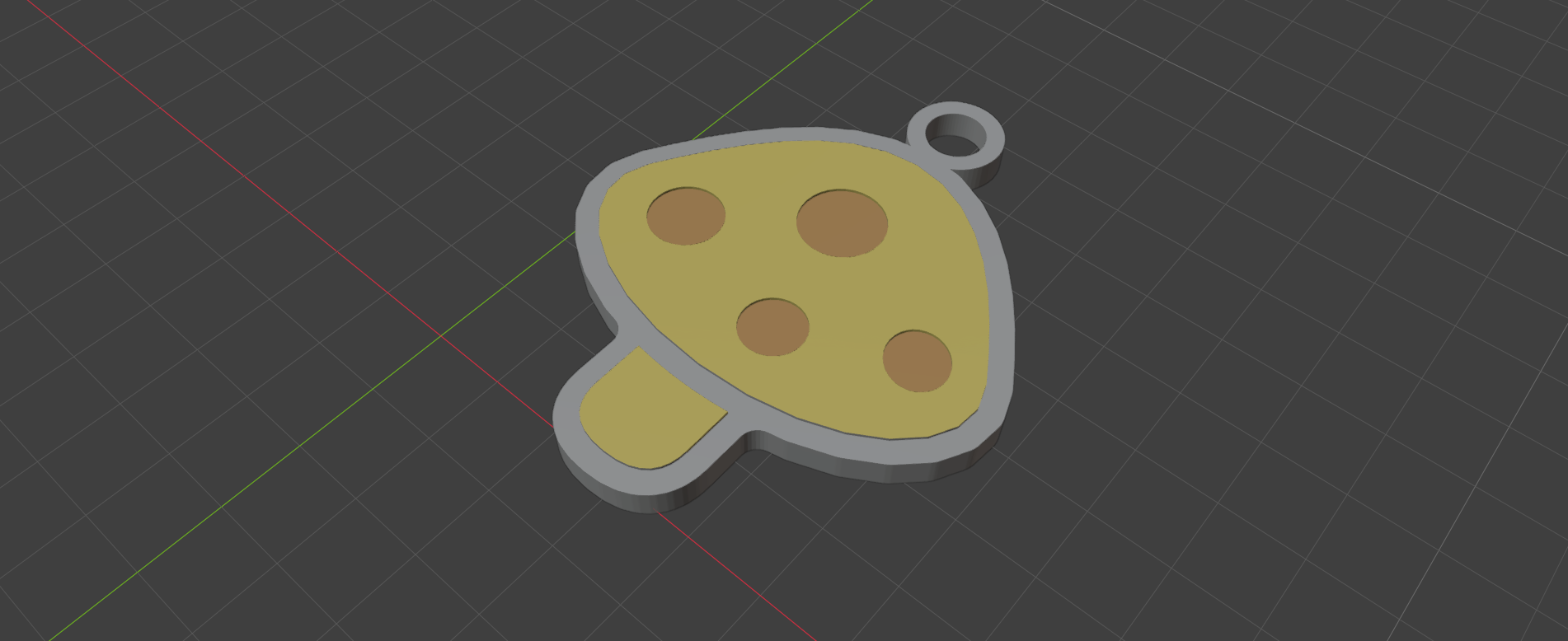
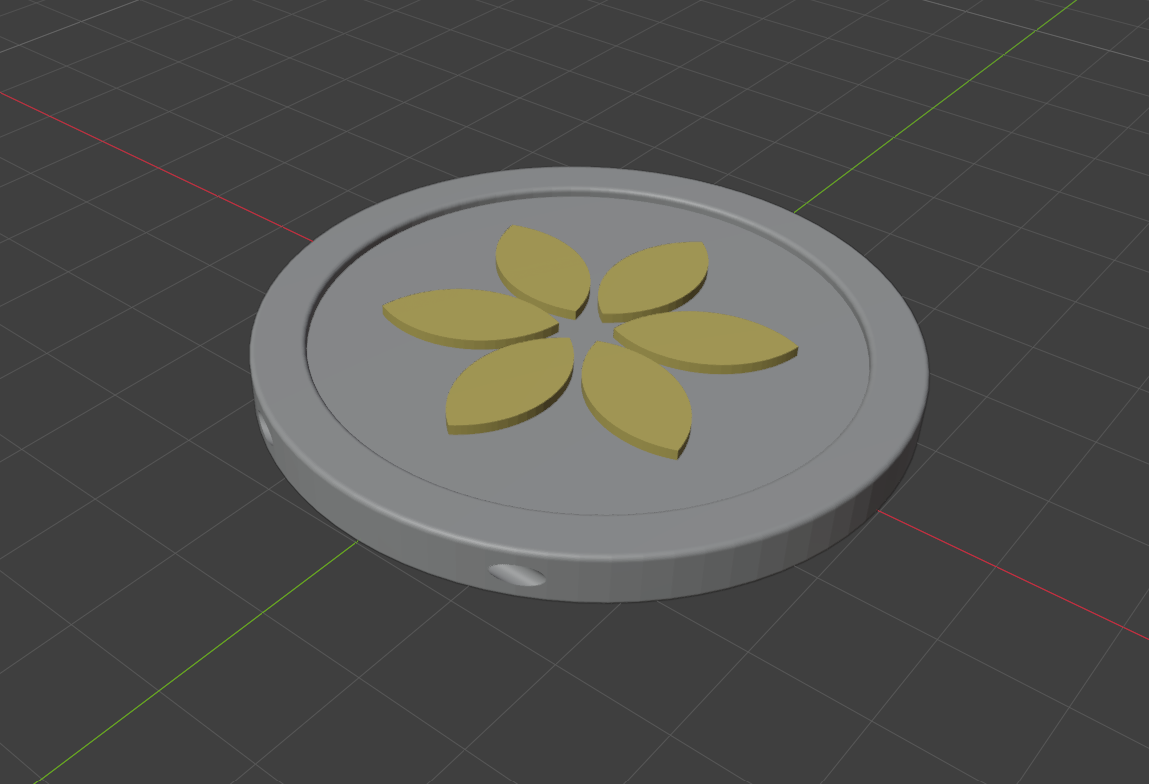
Pendant
A circular bezel: a raised outer rim standing above a recessed floor, with your text or icon filling that recess exactly flush with the rim's own top. An optional hole bores straight through the rim itself for a jump ring or cord.
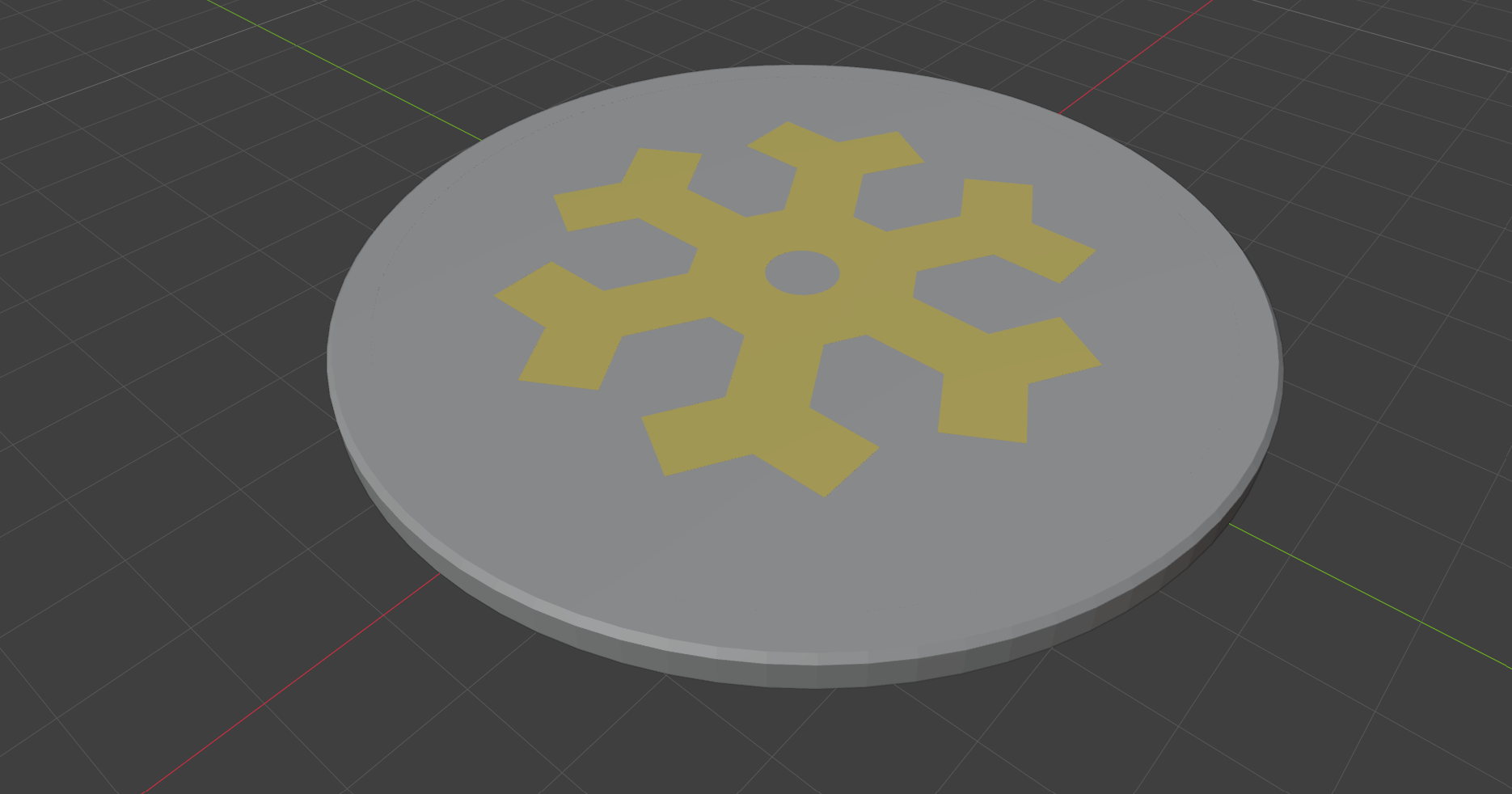
Coaster
A wide, low-profile disc or rounded square with a raised outer border and the design filling a shallow recess, flush with the border's own top — deliberately barely-there, so the flat top still masks and paints evenly. Round or square.
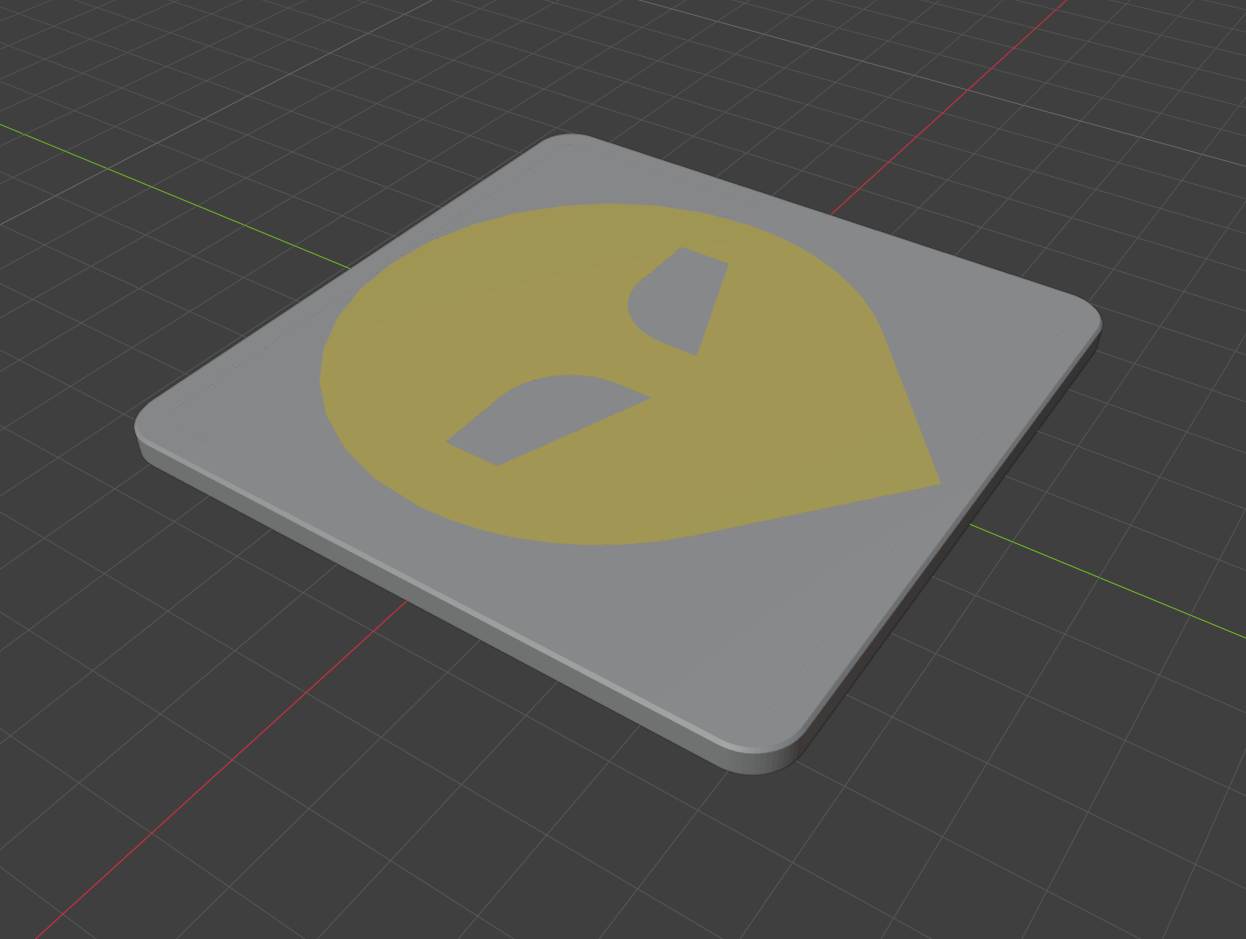
Coin
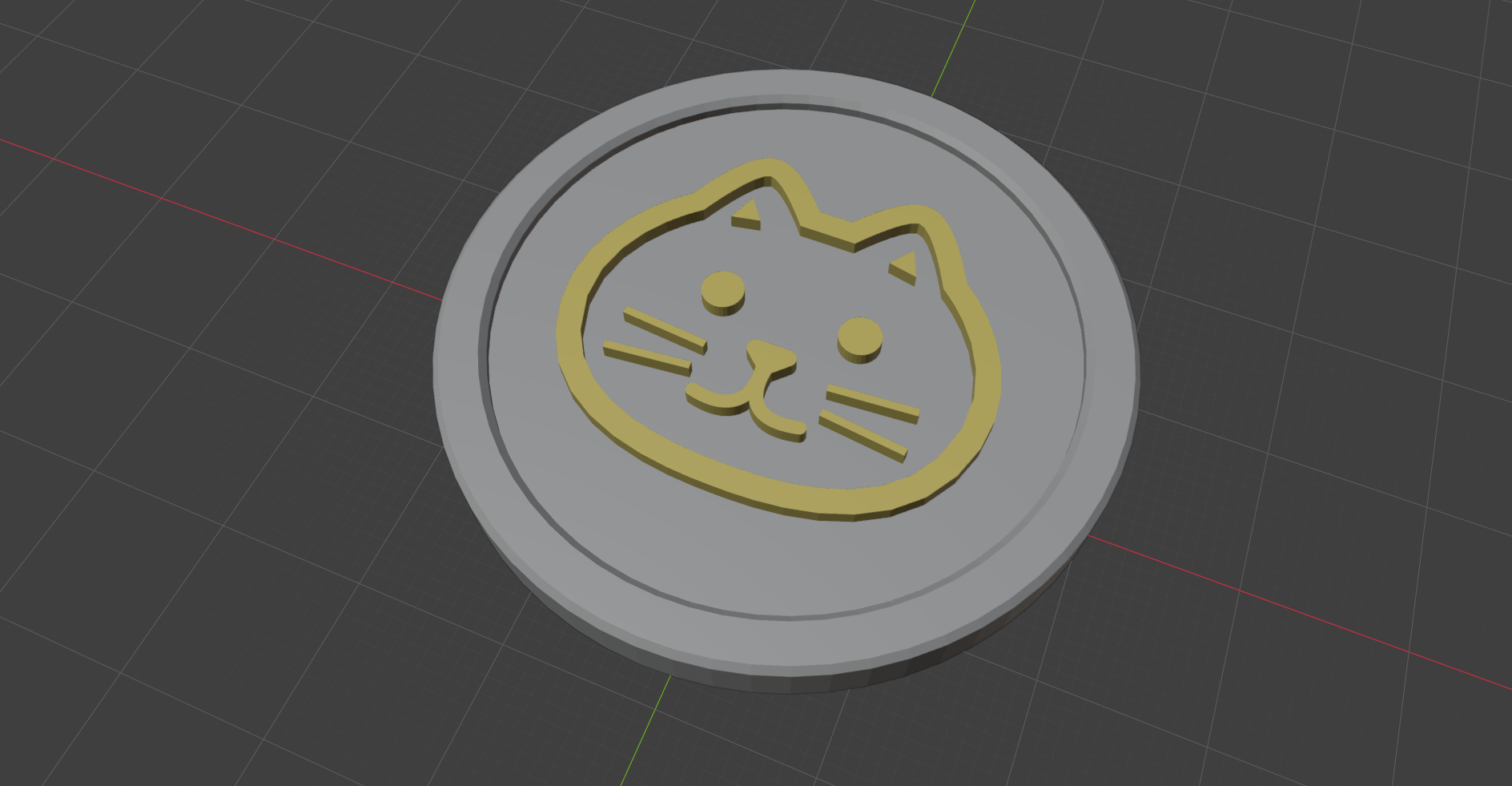
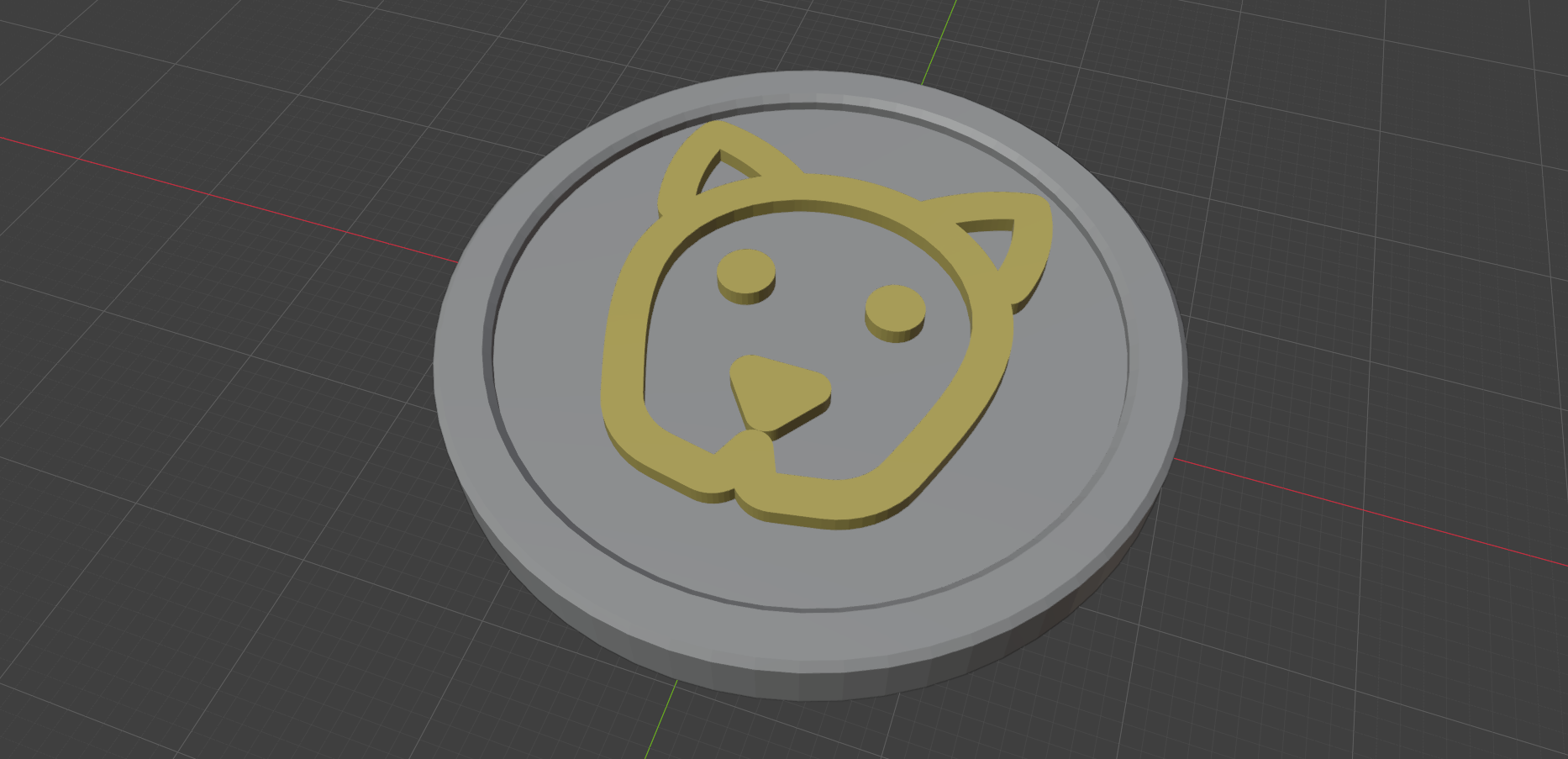
A two-sided circular bezel: a raised border on both faces, each with its own recess and its own design, decorated completely independently. The back is automatically mirrored so it reads correctly once the coin is physically flipped over.
Install
- Get
bmerchfrom Superhive. - In Blender 4.2+, open
Edit > Preferences > Get Extensions, click the dropdown in the top-right, and chooseInstall from Disk.... - Select the downloaded zip. Every generator appears under
Shift-A > Merchin the 3D viewport — no sidebar tab to find.
Requirements
- Blender 4.2 or newer
- Windows only, for now — bmerch relies on a small compiled library (pyclipper) for robust 2D offsetting on tight, detailed curves, currently only built for Windows, so macOS and Linux aren't supported yet.